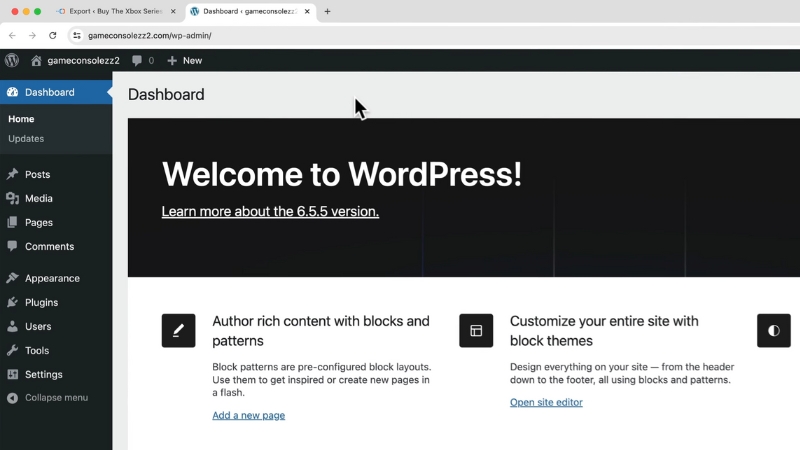
Yes, it is possible to migrate a blog website to WordPress without losing search rankings, organic traffic, or indexed pages, but only if the migration is handled as a controlled SEO and technical process rather than a simple platform switch.
In real-world migrations, ranking losses almost always come from broken URLs, incorrect redirects, changed content structure, lost metadata, or crawlability issues, not from WordPress itself.
When URLs, content, internal links, and indexing signals are preserved correctly, Google treats the site as continuous rather than new, and rankings typically stabilize within days or weeks instead of collapsing.
Why Blog Migrations Commonly Lose Rankings
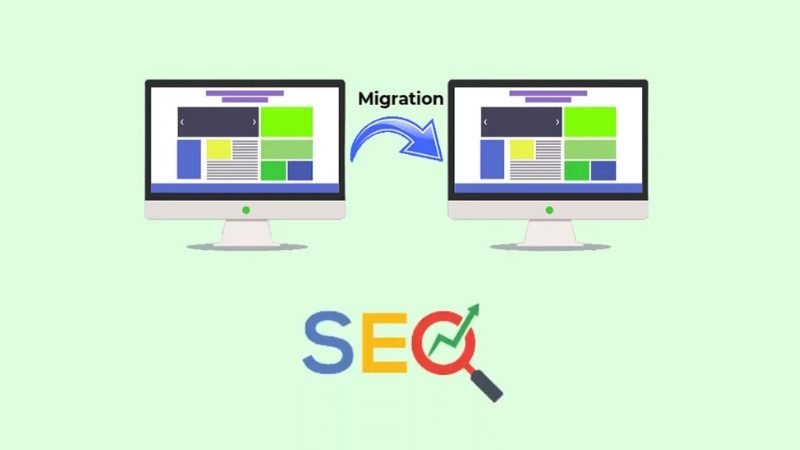
Search engines rank URLs, not platforms. When a blog moves to WordPress, the underlying risk is that URLs, page structure, or signals tied to those URLs change. Even small differences can trigger ranking volatility.
Industry case studies from large CMS migrations show that traffic drops of 20 to 60 percent are common when redirects are incomplete or when content is altered unintentionally.
Google itself has repeatedly stated that site moves are among the highest-risk SEO operations because they affect crawling, indexing, and link equity simultaneously.
The most common ranking losses happen for predictable reasons. URLs change without proper 301 redirects. Internal links still point to old paths. Canonical tags reset or disappear.
Meta titles and descriptions are regenerated automatically.
Pagination, category archives, or tag pages create duplicate content. XML sitemaps are rebuilt incorrectly. None of these problems is inherent to WordPress, but WordPress makes them easy to introduce if defaults are left unchecked.
Pre-Migration Audit: The Step That Protects Rankings
A migration should never start on the WordPress side. It should start with a complete inventory of the existing site. This audit becomes the migration blueprint and the benchmark for success.
Without it, you have no reliable way to confirm that rankings are being preserved rather than rebuilt from scratch.
At minimum, the audit must include every indexable URL, its current status code, canonical URL, meta title, meta description, H1 structure, word count, internal link count, and organic traffic contribution.
Tools like Screaming Frog, Sitebulb, or Ahrefs Site Audit are typically used for this, but the principle matters more than the tool. You are creating a one-to-one map between the old site and the new WordPress site.
Audit Element
Why It Matters for Rankings
Full URL list
Ensures no page is dropped or orphaned
Status codes
Identifies existing redirects or errors
Canonicals
Prevents accidental duplicate indexing
Titles and meta descriptions
Preserves CTR and relevance signals
H1 and content structure
Maintains topical alignment
Internal links
Preserves crawl depth and link equity
Top traffic pages
Prioritizes protection of revenue and visibility
Pages that drive most organic traffic should be flagged before migration. In practice, 10 to 20 percent of URLs often generate 80 percent of search traffic. These URLs deserve manual verification after launch.
URL Structure: Keep It Identical or Redirect Perfectly
The safest migration is one where URLs do not change at all. WordPress allows full control over permalink structure, so there is rarely a technical excuse for altering URLs.
If the existing blog uses paths like /blog/post-title or /category/post-title, WordPress can replicate this exactly using custom permalink settings.
When URL changes are unavoidable, every old URL must point to its closest equivalent using a server-side 301 redirect. Not a JavaScript redirect. Not a meta refresh.
A proper HTTP 301. Google treats 301 redirects as a transfer of ranking signals, but only when they are implemented cleanly and consistently.
Redirect chains are a common hidden problem. A redirect from the old URL to the temporary URL to the final URL weakens signal transfer and slows crawling. Each old URL should redirect directly to the final WordPress URL in one step.
Redirect Type
SEO Impact
301 Permanent
Transfers most link equity and rankings
302 Temporary
Often treated as non-permanent, risky
Meta refresh
Weak signal transfer
JavaScript redirect
Unreliable for SEO
Redirect chains
Crawl inefficiency and signal loss
Before launch, a redirect map should exist as a simple table matching every old URL to its new destination. After launch, that table should be validated with a crawler to confirm there are no missing or looping redirects.
Content Migration: Preserve Meaning, Not Just Text
Search rankings are tied to content relevance and intent matching, not just raw keywords. During migration, content should be transferred verbatim unless there is a strategic reason to update it.
Automatic formatting changes, missing paragraphs, altered headings, or removed internal links can all change how Google understands a page.
WordPress editors sometimes introduce subtle changes such as wrapping headings differently, inserting extra H2s, or stripping HTML elements. These changes matter more for informational blog posts that rank for long-tail queries.
A post that ranked well before migration should be visually and structurally identical afterward.
Word count, heading hierarchy, internal links, and embedded media should match the original unless improvements are planned deliberately. Migration is not the time for content optimization experiments.
Metadata and Structured Signals
Titles, meta descriptions, canonical tags, and noindex directives are among the most commonly lost elements during CMS migrations. WordPress SEO plugins like Yoast, Rank Math, or All in One SEO can manage these fields, but defaults are dangerous if not configured.
Every migrated page should retain its original title tag unless there is a documented reason to change it. Meta descriptions matter less for rankings but strongly affect click-through rate. Losing well-performing descriptions can reduce traffic even if rankings remain stable.
Canonical tags deserve special attention. WordPress often generates canonicals automatically, but misconfigurations can cause pages to canonicalize to category archives, paginated pages, or homepage URLs, effectively removing them from the index.
SEO Element
Migration Risk
Title tags
Overwritten by templates
Meta descriptions
Lost or auto-generated
Canonicals
Pointing to the wrong URL
Noindex tags
Accidentally applied
Pagination tags
Removed or duplicated
Structured data such as article schema, breadcrumb markup, or author markup should also be preserved where applicable. Losing schema does not usually crash rankings, but it can reduce rich results and visibility.
Internal Linking and Crawl Depth
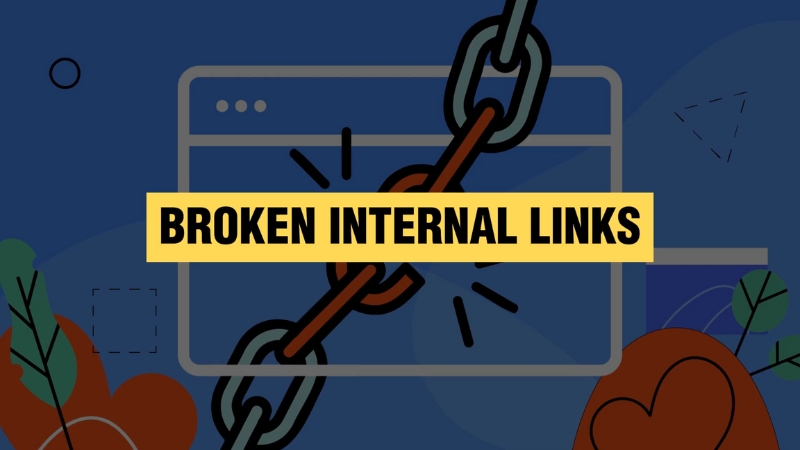
Internal links distribute authority across a blog. During migration, internal links are often rebuilt automatically by WordPress, but this does not guarantee equivalence.
Category pages, tag pages, and related post widgets can alter internal link patterns significantly.
A common mistake is allowing WordPress to generate thousands of low-value tag pages that dilute crawl budget and internal link focus. Unless tags served a clear purpose on the original site, they should be noindexed or disabled.
Important blog posts should remain within a reasonable click depth from the homepage. If a post moves from being two clicks away to six clicks away, its crawl frequency and perceived importance can drop.
Performance and Core Web Vitals
Page speed is not optional. WordPress migrations often introduce heavier themes, multiple plugins, and unoptimized images. This can push Core Web Vitals metrics below acceptable thresholds, especially Largest Contentful Paint and Interaction to Next Paint.
Google’s own data shows that pages with LCP above 4 seconds experience significantly higher bounce rates, which indirectly affects search performance. A migration that slows the site down can cause ranking drops even if all URLs and content remain intact.
Before and after metrics should be compared using the same tools, such as PageSpeed Insights or real-user data from Google Search Console.
Metric
Pre-Migration Target
Post-Migration Risk
LCP
Under 2.5s
Heavy themes, large images
INP
Under 200ms
Excessive scripts
CLS
Under 0.1
Layout shifts from ads
Server response
Under 600ms
Cheap hosting
Launch Day: What Actually Matters
View this post on Instagram
On launch day, Google does not immediately reassess the entire site. It crawls selectively. This means the most important pages should be checked manually within hours, not days.
Status codes, canonical tags, indexability, and redirects should be validated immediately.
XML sitemaps should be regenerated and submitted to Google Search Console. The old sitemap should be replaced, not supplemented. Coverage reports should be monitored daily during the first two weeks.
Temporary ranking fluctuations are normal. A sharp drop across most keywords is not.
Post-Migration Monitoring and Stabilization
Most successful migrations stabilize within two to four weeks. During this period, Search Console data is more valuable than rank tracking tools. Look for increases in crawl errors, excluded pages, or sudden drops in indexed URLs.
If rankings fall for specific pages, the cause is usually technical and traceable. Missing redirects, wrong canonicals, or lost internal links account for most cases. Algorithmic penalties are extremely rare during migrations unless spam signals are introduced.
Bottom Line
@developer_zahirHi, Want to migrate, transfer, or back up your WordPress website without downtime? 🚀 I specialize in seamless website migration with zero data loss and 24-hour express delivery. ✅ WordPress Migration & Transfer ✅ Domain & DNS Setup ✅ Free SSL Installation ✅ Subdomain ↔ Main Domain Transfer ✅ Auto-backup Integration 💼 4+ Years of Experience | 152+ Websites Migrated 🌐 https://developerzahir.com 📞 WhatsApp: +8801775425643 Let’s make your website migration smooth, secure, and hassle-free! #WordPressMigration #WebsiteTransfer #WordPressExpert #WebsiteBackup #WebsiteMigration #WPExpert #WebHosting #developerzahir♬ original sound – Developer zahir 👨💻
Migrating a blog website to WordPress does not inherently cause ranking losses. Rankings are lost when URLs break, signals are dropped, or technical defaults are left unmanaged. A successful migration is not about WordPress expertise but about preserving continuity.
When every URL, content element, metadata signal, and internal link is treated as a ranking asset rather than disposable content, search engines recognize the site as the same entity before and after the move. The difference between a ranking collapse and a stable transition is planning, precision, and verification, not luck.